
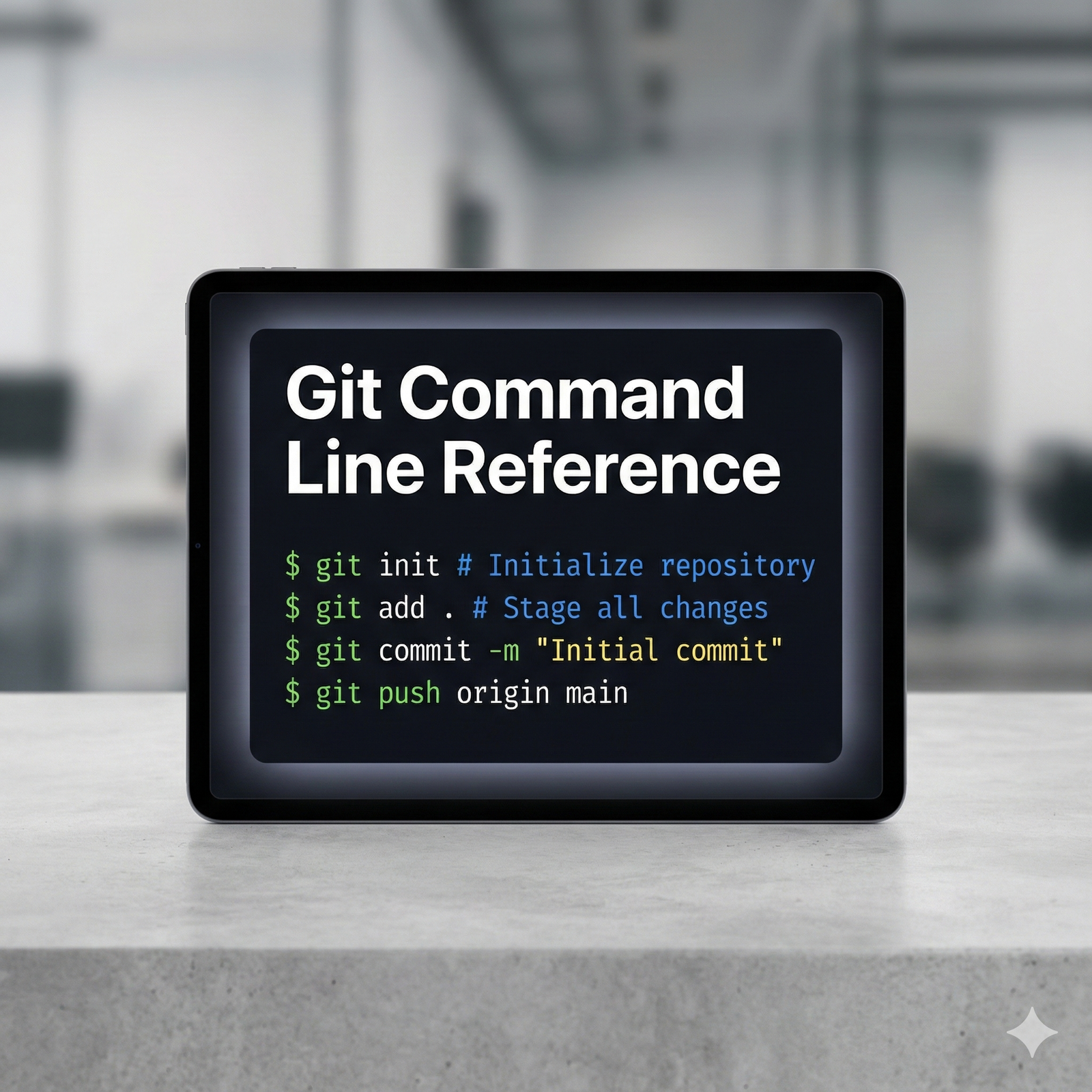
Git Command Line Reference
Master version control instantly with the ultimate Git commands reference, Git cheat sheet, Git CLI guide, Git command line, learning Git commands, transforming you from a beginner to a command-line expert without wading through dense documentation.
- Achieve Rapid Command Recall for all essential Git operations.
- Includes a comprehensive list of commands for Branching, Merging, and Rebasing.
- Perfectly organized to serve as your daily Git CLI Guide.
- Focus on building, not debugging, with Clear Syntax Examples.
Download your essential reference guide today.
₹999.00 Original price was: ₹999.00.₹39.00Current price is: ₹39.00.
Payment Methods:
Description
Master Version Control Instantly: Your Definitive Git Command Line Reference
Are you spending too much time searching online documentation instead of coding? In the world of software development, proficiency with version control is non-negotiable. That’s why having a trusted, comprehensive Git commands reference is the ultimate tool for efficiency. Our guide eliminates the guesswork, transforming how you handle everything from simple commits to complex rebases. If you are serious about speeding up your workflow, mastering the Git command line is essential, and this resource is designed to make that goal instantly achievable. Say goodbye to fragmented tutorials and hello to streamlined development.
Why Every Developer Needs a High-Quality Git Cheat Sheet
Version control systems like Git are powerful, but their vast array of commands can be intimidating. For both beginners and seasoned professionals, having a reliable Git cheat sheet means less context switching and more time focusing on your project logic. Developers often encounter situations requiring commands for resetting files, cleaning up history, or managing remote branches—tasks where an error can lead to significant headaches. This is where clarity and quick access become paramount. Our reference acts as your personal command hub, providing accurate syntax and practical examples for every scenario.
Traditional documentation is often encyclopedic and overwhelming. We recognized the need for a practical, focused resource that cuts through the noise. This command line reference is organized by function, allowing you to instantly locate the commands needed for initialization, making changes, reviewing history, and collaboration. It’s built to be more than just a list; it’s a systematic framework for understanding and utilizing the full power of Git.
The Core Fundamentals: Initialization and Local Changes
Every project starts somewhere. The first step in utilizing the Git command line is setting up your repository. We cover the foundational commands necessary to initialize a new project or clone an existing one. Furthermore, managing the lifecycle of your local changes—staging, committing, and viewing status—is made crystal clear. Understanding these core commands is the basis for all advanced operations.
- git init: Initialize a new Git repository.
- git clone [url]: Download an existing repository.
- git add .: Stage all changes for the next commit.
- git commit -m “Message”: Record staged changes with a descriptive message.
- git status: View the status of your working tree and staging area.
Advanced Maneuvers: Branching, Merging, and Conflict Resolution
True power in Git comes from effectively utilizing branches for feature development and collaboration. Our Git CLI guide offers in-depth instruction on advanced concepts that often trip up developers. We meticulously detail the commands for creating, switching, merging, and deleting branches safely. Conflict resolution, a critical but often frustrating task, is simplified with step-by-step command sequences. This mastery is essential for maintaining clean, professional codebases in team environments.
Merging strategies can dramatically impact the readability of your project history. We explore both standard merge commits and the cleaner history provided by rebasing. This comprehensive coverage ensures you can choose the right approach for any project requirement.
- git branch [name]: Create a new branch.
- git checkout [name]: Switch to a specific branch.
- git merge [name]: Integrate changes from another branch.
- git rebase [branch]: Move or combine a sequence of commits to a new base commit.
- git log –graph: Visualize the commit history.
Collaboration Simplified: Remotes and Pushing/Pulling
Working in a team requires seamless communication with remote repositories. Our Git commands reference ensures you know exactly how to manage your remote connections, fetch the latest updates, and publish your own work. The guide explains the difference between git pull and git fetch, helping you avoid common pitfalls related to synchronizing your local copy with the master branch.
- git remote add origin [url]: Connect your local repository to a remote server.
- git push origin [branch]: Upload local branch commits to the remote repository.
- git pull: Fetch and merge changes from the remote server.
- git fetch: Download objects and refs from another repository.
Cleaning Up History: Undoing and Rewriting
Mistakes happen, but a great developer knows how to fix them efficiently. This Git cheat sheet provides the necessary commands for undoing changes, whether you need to discard uncommitted work, modify the last commit message, or completely rewrite a section of history using interactive rebase. The ability to safely undo errors is a hallmark of an expert Git user.
- git reset [file]: Unstage a file.
- git reset –hard [commit-hash]: Discard all changes up to a specific commit.
- git revert [commit-hash]: Create a new commit that undoes changes made by a previous commit.
- git commit –amend: Change the last commit.
The Professional Edge: Accelerate Your Learning Git Commands
While online resources are plentiful, the lack of structure and quality assurance often hinders true progress. This specialized Git commands reference is formatted specifically for rapid consultation, ensuring you are always one step ahead. It transforms the challenge of learning Git commands into a straightforward, systematic process. Stop debugging your version control and start mastering it. By integrating this professional tool into your daily routine, you immediately boost your efficiency, reduce frustration, and enhance your value as a developer. This is the single resource you need to confidently navigate the command line and maintain impeccable control over your projects.
Acquire your comprehensive reference today and elevate your command-line expertise to a professional level.